Live demo
Take a look around
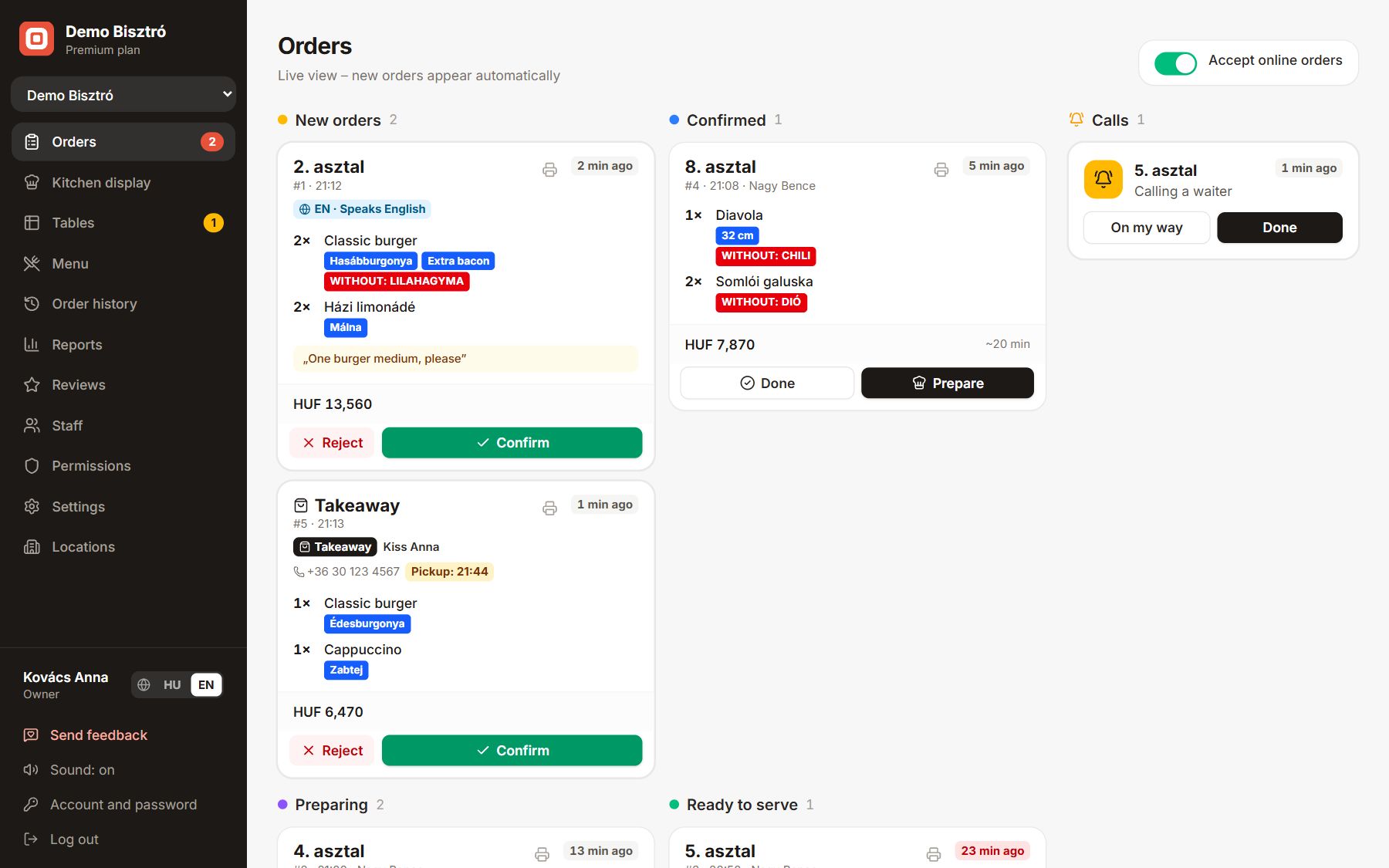
On the left: a guest’s phone in a real demo restaurant – go ahead and order. On the right: what the staff see. You can log in to the demo dashboard in one click.
What to try
- 1Open the demo on your phone too (Open separately) and add something to the cart – e.g. a burger with a side and extras.
- 2Place the order, then log in to the demo dashboard: it’s waiting under Orders.
- 3Confirm it with an estimated time, open the Kitchen display and mark it ready – watch the guest’s phone meanwhile.
- 4Call a waiter or ask for the bill on the guest side, and check the Tables page.
- 5Switch the guest page to English or German.